

Yes, Qilong SMART Board can be used as a whiteboard, and it actually offers enhanced functionality compared to a traditional whiteboard. Here’s a detailed explanation of its capabilities and how it replicates or improves upon whiteboard use:
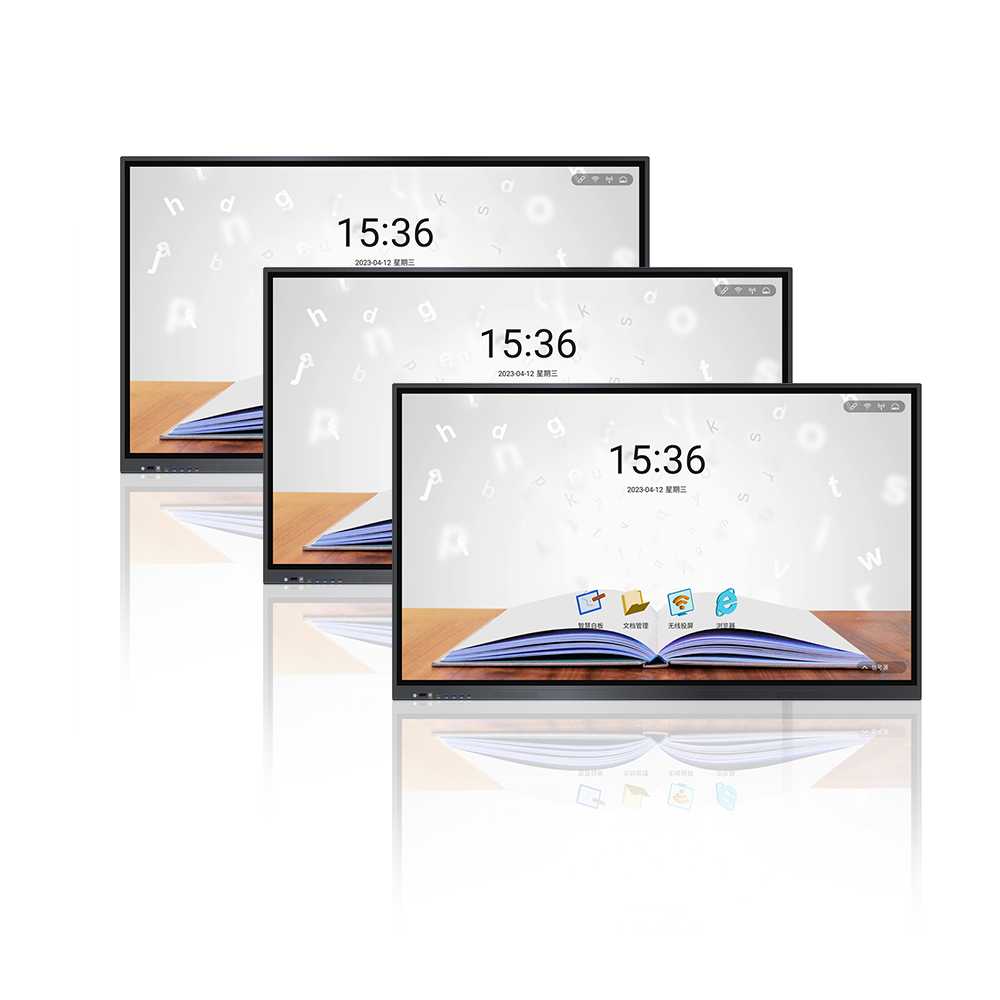
1. Core Whiteboard Functions Enabled on SMART Board
Writing and Drawing
SMART Boards feature a touch-sensitive surface that allows users to write with digital pens or even their fingers, similar to using a marker on a whiteboard. The digital ink can be adjusted for color, thickness, and style, and errors can be easily erased with a digital eraser tool.
Note-Taking and Collaboration
Like a whiteboard, it supports real-time note-taking during meetings, classes, or brainstorming sessions. Multiple users can write simultaneously (depending on the model, some support up to 20 touch points), making it ideal for collaborative work.
Content Erasing and Saving
Instead of physically wiping a whiteboard, users can clear the digital canvas with a button or save the content electronically for future reference, eliminating the need to manually copy notes.
2. Advanced Features Beyond Traditional Whiteboards
Feature Explanation Benefit Over Traditional Whiteboards
Digital Integration Connect to computers, tablets, or smartphones to display videos, presentations, or web content directly on the board. Combines whiteboard use with multimedia, enhancing engagement.
Interactive Tools Includes built-in software for annotating over images, creating shapes, adding timers, or using subject-specific tools (e.g., math equations, science diagrams). Enables dynamic, interactive content creation beyond simple writing.
Cloud and File Compatibility Save work to the cloud, export as PDFs or images, or share via email directly from the board. Preserves content digitally for easy distribution and storage.
Multimedia Annotation Annotate over videos or web pages in real time, highlighting key points or adding comments. Enhances learning or presentation contexts with interactive feedback.
Zoom and Navigation Zoom in on specific areas of the board, pan across content, or undo/redo actions seamlessly. Improves usability for detailed work or large projects.
3. Use Cases Where SMART Board Acts as a Whiteboard
Classrooms and Education
Teachers can write lessons, display educational videos, and allow students to collaborate on solving problems directly on the board.
Business Meetings and Presentations
Use it to take meeting notes, sketch out ideas, or annotate over slides during presentations, replacing the need for a physical whiteboard and flipcharts.
Training and Workshops
Instructors can lead interactive sessions, save training materials, and share them with participants afterward.
Creative Brainstorming
Teams can visually map out ideas, drag and drop digital sticky notes, or edit concepts in real time, with the ability to save the final brainstorm for future reference.
4. Considerations for Using a SMART Board as a Whiteboard
Technical Requirements
Requires a power source and, in some cases, a computer connection to unlock full functionality. Traditional whiteboards are entirely analog and require no setup.
Learning Curve
Users new to digital tools may need time to adapt to the touch interface and software features, whereas traditional whiteboards are intuitive for everyone.
Cost and Maintenance
SMART Boards are significantly more expensive than whiteboards and may require periodic software updates or technical support, while whiteboards are low-cost and maintenance-free.
Conclusion
A SMART Board is essentially an advanced, digital version of a whiteboard, capable of replicating all core whiteboard functions while adding interactive, multimedia, and collaborative features. It’s an ideal tool for environments that prioritize digital integration and dynamic content creation. However, for simple, low-cost, or analog use cases, a traditional whiteboard may still be more practical.
QiLong touch, founded in 2007, is a high-tech enterprise specializing in the research and development and production of smart campus big data platform and many intelligent products.The company has an industrial workshop of more than 8,000 square meters, with more than 180 employees, including more than 20 product research and development personnel, and several senior engineers at the professor level. The hardware products produced by the company mainly include: interactive tablet, interactive intelligent blackboard, OPS computer, interactive interconnected blackboard, conference tablet, advertising machine, inquiry machine, recording and broadcasting equipment, calligraphy equipment, classroom eye protection lights, etc. With rich experience in OEM/ODM service to overseas customers, Qilong products are very popular in more than 80 countries around the world.