

When selecting an all-in-one (AIO) computer, prioritize performance, display quality, connectivity, and your specific needs, whether it's for everyday tasks, demanding work, or entertainment. Consider the processor, RAM, and storage for performance, and the screen size, resolution, and color accuracy for visual experience. Ensure it has the necessary ports and wireless connectivity for your peripherals and devices.
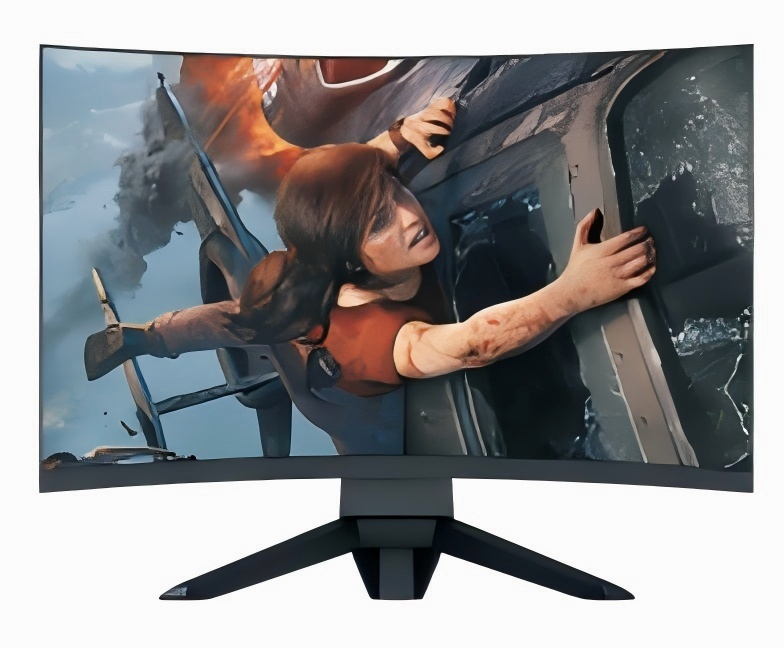
Key Factors to Consider:
Performance:
Processor (CPU): Choose a processor that matches your workload. For demanding tasks like video editing, gaming, or running multiple applications, opt for a high-end Intel Core i7 or i9 processor or an AMD Ryzen equivalent. For typical use, an Intel Core i5 or i7 with suffixes like H, M, Q, U, or Y should suffice.
RAM (Random Access Memory): 8GB of RAM is a good starting point, but 16GB or more is recommended for multitasking and demanding applications. High-end users might consider 16GB or more of DDR3 or 4 DIMM or SODIMM RAM.
Storage (SSD vs. HDD): An SSD (Solid State Drive) offers faster boot times and application loading, while an HDD (Hard Disk Drive) provides more storage capacity at a lower cost. Consider a combination of both or a larger SSD for optimal performance.
Display:
Screen Size and Resolution: Select a screen size that fits your workspace and a resolution that meets your visual needs. 24-inch and 27-inch models are popular, and high resolutions like 4K offer sharper images, according to Microsoft.
Color Accuracy: If you work with graphics or photos, ensure the display has accurate color reproduction.
Touchscreen: Consider a touchscreen for a more interactive experience, especially if you plan to use touch-based applications or enjoy intuitive navigation.
Connectivity:
Ports: Ensure the AIO has enough USB-A and USB-C ports for your peripherals, such as a mouse, keyboard, printer, and external storage.
Wireless Connectivity: Look for Wi-Fi 6 (802.11ax) or higher for faster wireless speeds and Bluetooth support for connecting wireless devices.
Other Factors:
Webcam: If you need a webcam for video conferencing or online meetings, check its quality and features.
Ergonomics: Consider the adjustability of the screen and the overall comfort of the AIO for extended use.
Budget: AIOs range in price, so determine your budget and prioritize features that are most important to you.
QiLong touch, founded in 2007, is a high-tech enterprise specializing in the research and development and production of smart campus big data platform and many intelligent products.The company has an industrial workshop of more than 8,000 square meters, with more than 180 employees, including more than 20 product research and development personnel, and several senior engineers at the professor level. The hardware products produced by the company mainly include: interactive tablet, interactive intelligent blackboard, OPS computer, interactive interconnected blackboard, conference tablet, advertising machine, inquiry machine, recording and broadcasting equipment, calligraphy equipment, classroom eye protection lights, etc. With rich experience in OEM/ODM service to overseas customers, Qilong products are very popular in more than 80 countries around the world.